# Creating a Study Project
If you have already set up a [Standard Library Project](creating_a_standard_library_project.html.md#creating-a-standard-library-project) then creating a Project for a Study Build will be familiar. The only real difference is that **do not** mark the Project as a container for Standard Library drafts.
> **Note:** Most Organizations have multiple Rave URLs, usually a sandbox and then one or more production Rave URLs. TrialGrid allows you to mirror this arrangement by arranging Projects in URLs. **However**, unlike Rave, you do not have to copy your Global Libraries to each URL.
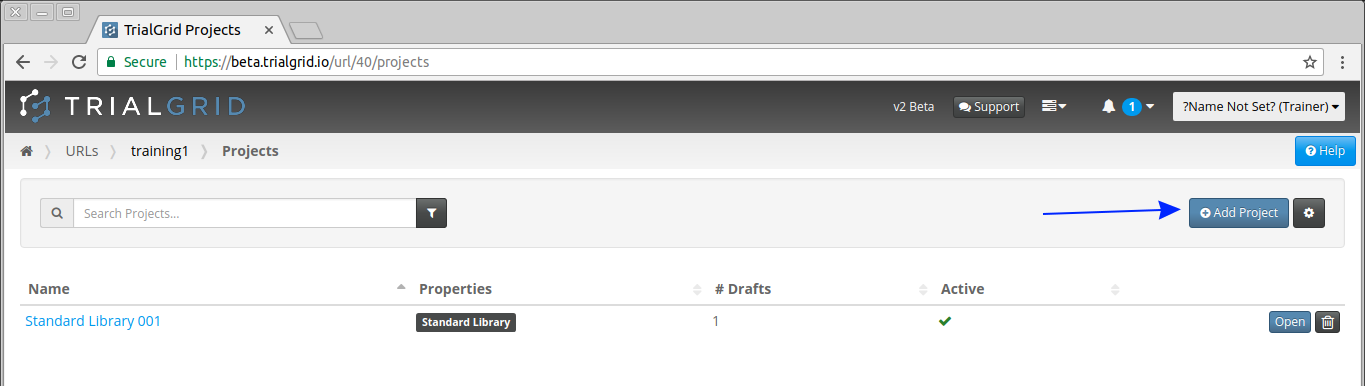
First navigate to the Project list for your [URL Home Page](../urls/url_home.html.md#url) and create a new Project.
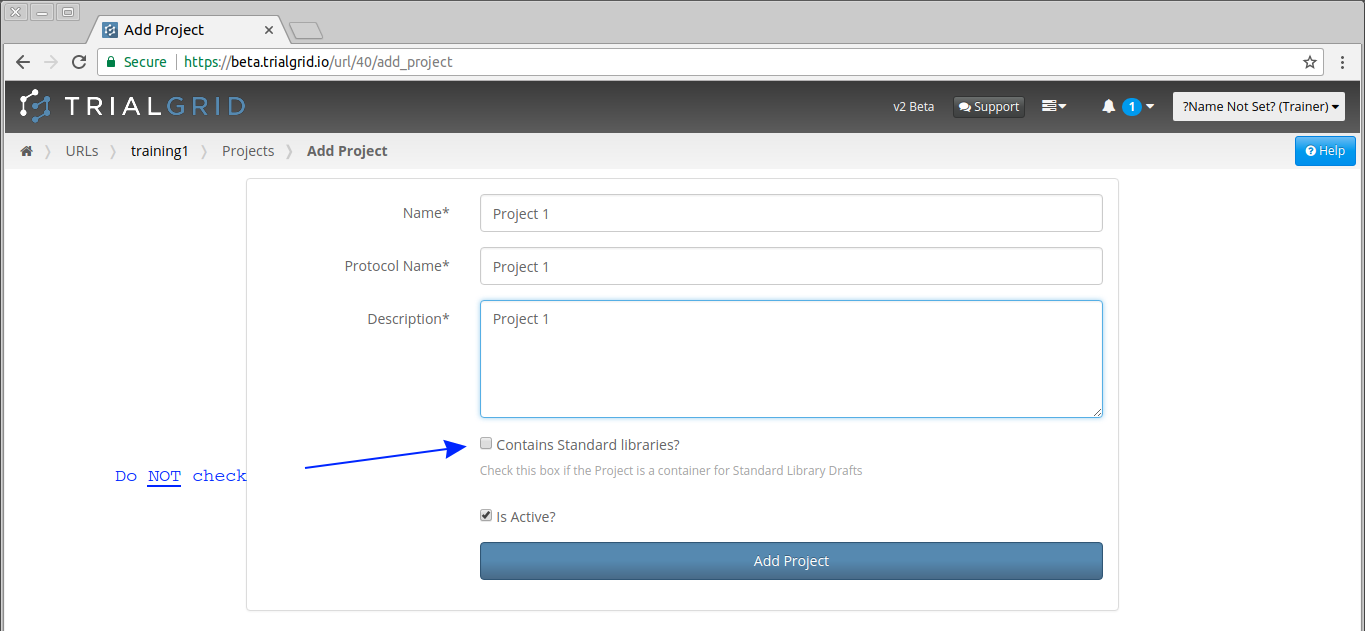
Complete the Add Project page but **do not** check the "Contains Standard Libraries" checkbox since we do not want this Project to be treated as a Standard Library.
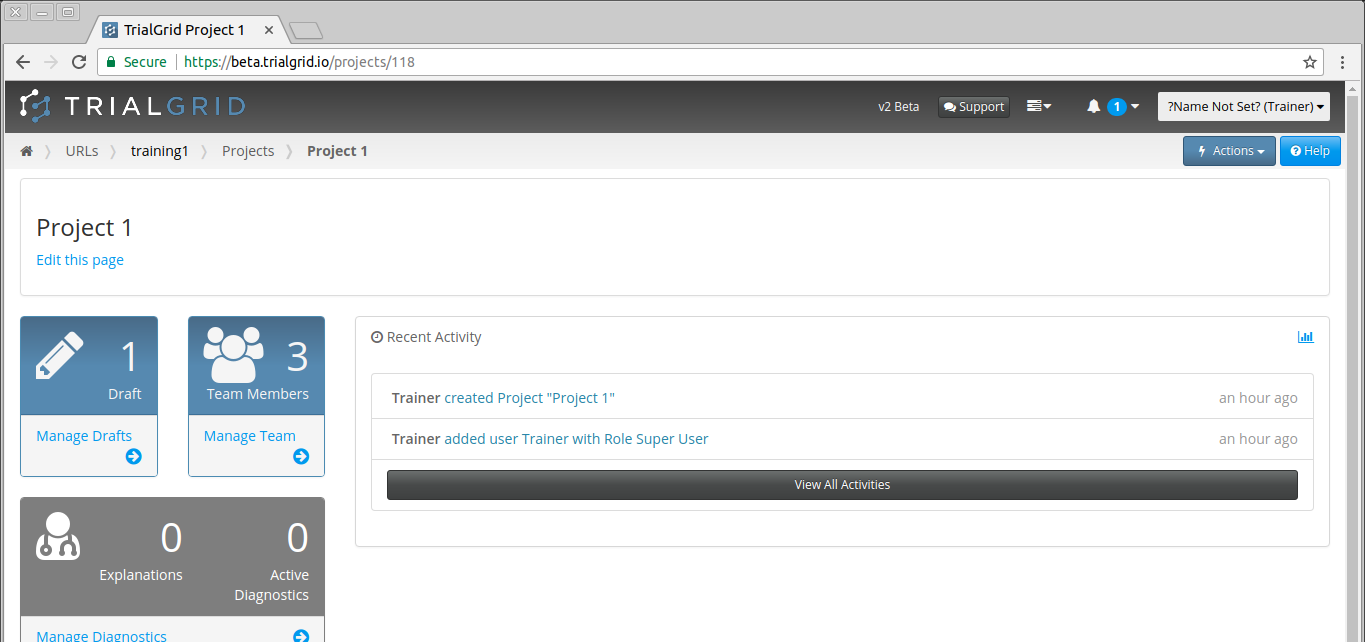
The Project home page for your new Project will open.